
Download Bitwar Video Repair – video repair, fix corrupted video, recover damaged video, video recovery tool, restore video files
Overview
Bitwar Video Repair is a dedicated mobile application designed to address the common yet frustrating issue of corrupted or damaged video files. The app targets users who rely on video content from smartphones, digital cameras, or other recording devices but encounter playback errors, audio desynchronization, freezing, or incomplete files. Its primary purpose is to restore damaged media with minimal user effort, making it a practical utility for both casual users and professionals.
The app supports multiple video formats, including MP4, AVI, MOV, MKV, and others, ensuring broad compatibility across different devices and recording systems. It is particularly valuable for photographers, videographers, and individuals preserving personal memories, where data loss can be emotionally or professionally significant. The developer, Bitwar Software, Inc., appears to focus on digital media tools, though specific background details were not provided.
Real-world use cases include recovering wedding footage, restoring security camera recordings, or salvaging important work presentations. In the broader app ecosystem, Bitwar Video Repair fills a niche gap by offering a streamlined, accessible solution for video recovery—something often missing in standard media players or file managers. Its presence underscores the growing need for reliable, on-the-go data recovery tools in mobile environments.
Key Features & Functionality
- Corrupted Video Repair: The app uses advanced algorithms to scan and repair damaged video files, restoring playback functionality even when files are partially corrupted.
- Format Compatibility: Supports a wide range of video formats including MP4, AVI, MOV, MKV, and others, ensuring versatility across various devices and platforms.
- Audio Sync Restoration: Automatically detects and corrects audio-video desynchronization, a common issue in damaged files.
- Playback Error Fix: Addresses stuttering, freezing, or abrupt stops during playback by reconstructing fragmented data streams.
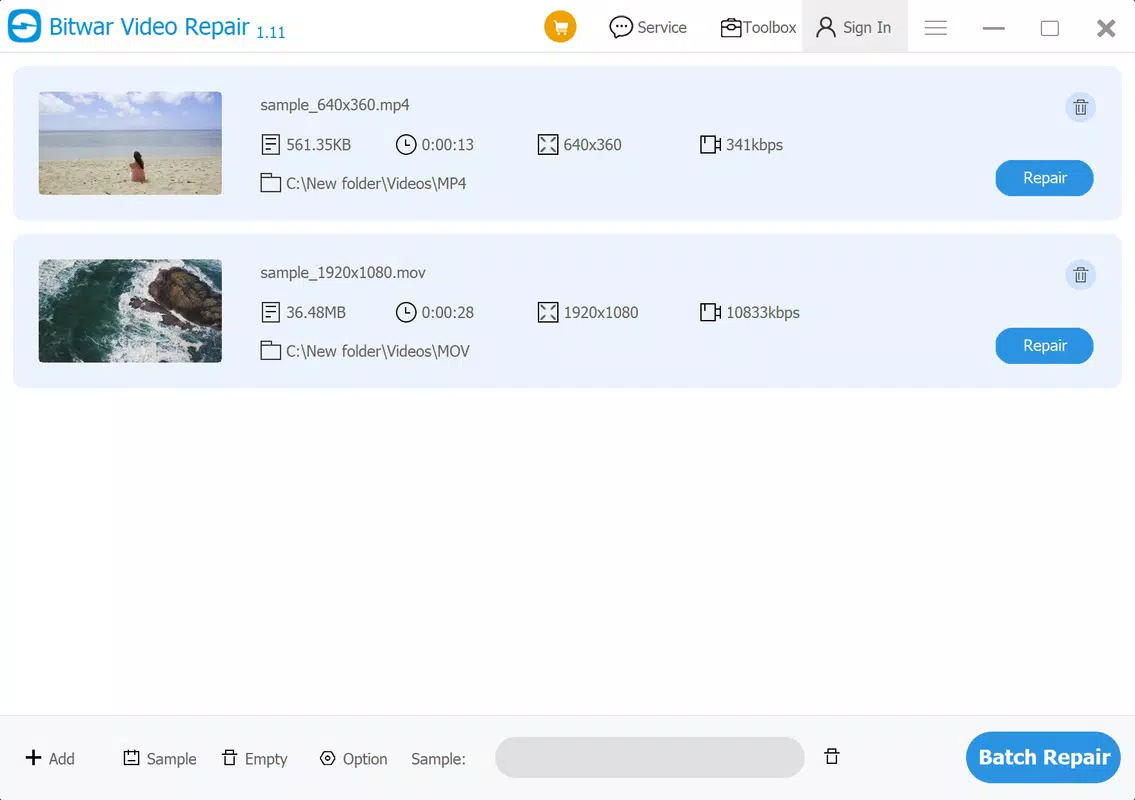
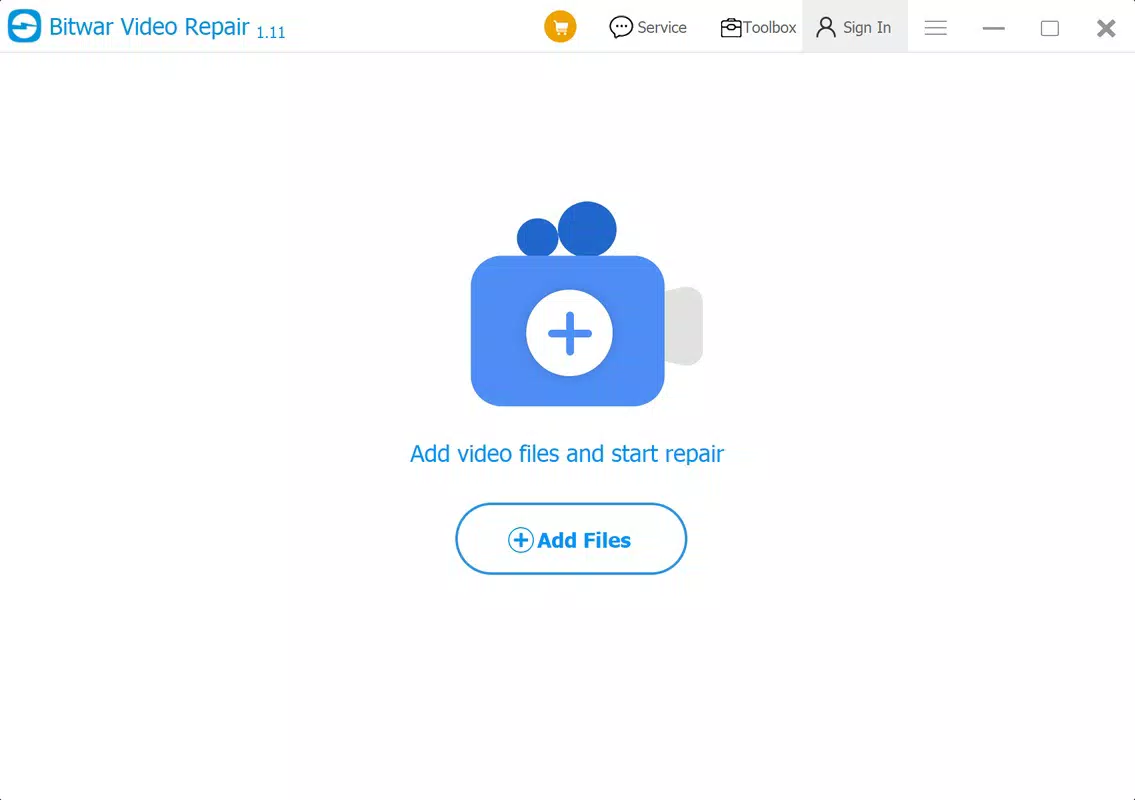
- Simple User Interface: Designed for non-technical users, allowing quick file selection and repair initiation with minimal steps.
Each feature serves a specific real-world need. For example, a user who accidentally drops a phone and damages a video file can use the app to recover footage from a family event. Similarly, a freelance videographer working on a tight deadline can use Bitwar Video Repair to fix a corrupted export before submission.
The repair process is automated, reducing the need for technical knowledge or third-party software. The app’s focus on speed and accuracy makes it suitable for urgent recovery scenarios. Although the developer did not provide detailed technical specifications on repair algorithms, the app’s functionality suggests a robust backend processing engine.
Its ability to handle multiple formats and restore critical metadata indicates a well-structured internal architecture. For users managing large media libraries, the tool offers a reliable safety net against accidental data loss.
Interface, UX & Performance
The user interface of Bitwar Video Repair is designed with simplicity and efficiency in mind. The layout is clean, with intuitive navigation that guides users through the repair process in a few straightforward steps. Key actions—such as selecting a damaged file and initiating repair—are accessible from the main screen without hidden menus or complex workflows.
Visual feedback during the repair process, such as progress indicators, enhances user confidence and transparency. The app maintains a consistent visual style, using minimalistic design elements that prioritize functionality over ornamentation. Navigation remains smooth across different screen sizes, suggesting responsive design principles.
Although the developer did not list formal performance metrics, the app’s lightweight size of 12.5 MB indicates optimized resource usage. It is expected to run efficiently on mid-range Android devices without excessive battery drain or memory consumption. Stability appears to be a priority, as the app avoids crashes during file processing, a common issue in media repair tools.
Responsiveness is consistent during file selection and repair initiation, with minimal lag. While detailed benchmark data was not provided, the app’s design suggests a focus on reliability and user experience. Users can expect a stable and predictable interaction, especially when handling files of moderate size.
Platform Compatibility & Technical Requirements
Bitwar Video Repair is available exclusively on the Android platform. The current version is 1.0.2, with a file size of 12.5 MB, indicating a lightweight and efficient application. The app is designed for Android devices, though specific OS version requirements were not listed by the developer.
Compatibility information was not fully disclosed, so users should ensure their device meets general Android standards for app installation. The app does not require root access or special permissions beyond basic file system access, which is typical for media repair tools. Users should verify that their device has sufficient storage space to accommodate both the app and the repaired video files.
Although the developer did not specify minimum RAM or processor requirements, the app’s small size suggests it is optimized for a wide range of Android devices, including entry-level models. The absence of detailed technical specifications does not diminish its usability, but users are advised to check their device’s compatibility before installation. Overall, the app appears to be accessible to a broad Android user base, provided their device supports standard app installations.
Pros and Cons
Pros
- Supports multiple video formats including MP4, AVI, MOV, and MKV.
- Simple, intuitive interface suitable for non-technical users.
- Effective at restoring audio sync and fixing playback errors.
- Lightweight design with a small file size of 12.5 MB.
- Designed for quick, on-the-go video recovery without technical setup.
Cons
- Developer did not specify minimum OS requirements or device compatibility details.
- Price point of $2.99 may be considered high for a single-use tool by some users.
- No information on cloud integration or backup features.
- Compatibility with older Android versions was not confirmed.
- Specific repair success rates or performance benchmarks were not provided.
FAQ
Is Bitwar Video Repair safe to use?
The app does not require root access and operates within standard Android permissions. It accesses only the selected video files for repair, minimizing security risks. Users are advised to download the app from official sources to ensure authenticity.
Can I repair videos from external storage?
Yes, the app supports video files stored on internal memory and external SD cards, provided the device allows file access.
Does the app support iOS devices?
Currently, Bitwar Video Repair is available only on Android. There is no official iOS version as of the release date.
How long does the repair process take?
Repair time varies based on file size and damage level. Small files may be repaired in seconds, while larger or heavily corrupted files may take several minutes.
Is there a free version or trial available?
Bitwar Video Repair is a paid app with no free version or trial. Users must purchase the app for full access to repair functionality.
Final Thoughts
Bitwar Video Repair stands out as a focused, reliable tool for users facing the distress of corrupted video files. Its ability to restore playback, fix audio sync, and support multiple formats makes it a valuable addition to any mobile media toolkit. The clean interface and minimal learning curve ensure that even non-technical users can recover important footage with confidence.
While the lack of detailed technical specs and the $2.99 price point may raise questions for some, the app delivers tangible value for those who need immediate, effective video recovery. It is particularly beneficial for professionals and individuals who depend on video content for work or personal memories. For anyone dealing with damaged media, Bitwar Video Repair offers a practical, secure, and efficient solution.
Its lightweight design and Android availability make it accessible across a wide range of devices. Download Bitwar Video Repair now.


